

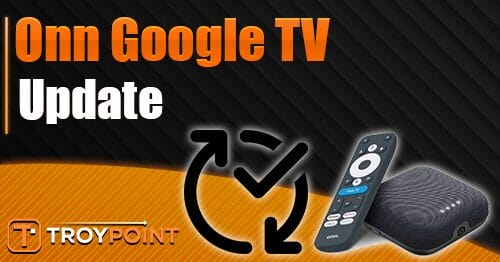
A new update is now available for most Onn Google TV devices, including the Onn 4K Plus, Onn 4K Pro, and more.
The latest update, UR04.260304.011.B1, includes the March 2026 Android security patch along with minor bug fixes and performance improvements.
Early reports from users on Reddit indicate no major interface changes, but improved system stability and smoother navigation are noticeable on some devices.
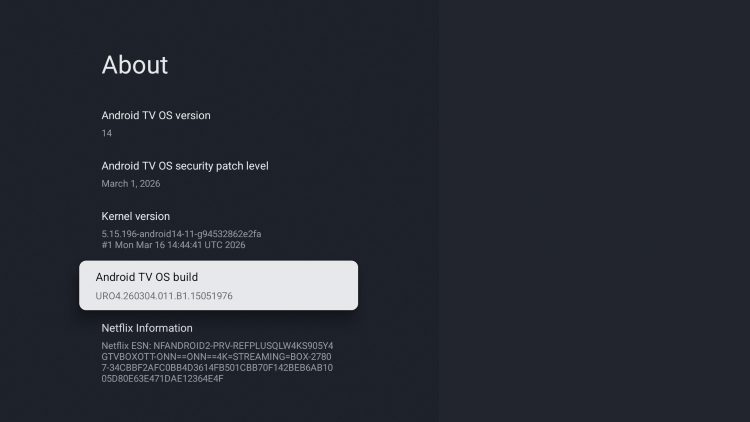
It is slowly rolling out to all compatible devices, so it may not be available on your device just yet. As with most Google TV updates, deployment is staggered and can take several days (or longer) to reach all users.
We are pleased to see Onn continuing to bring updates to these popular streaming devices, even while they are in the midst of releasing a brand new Onn 4K Pro and streaming stick.
If you received this update on your Google TV device, let us know what it looks like for you on your device!
The update should automatically install, however, if you need to do so manually, you can follow the instructions below.
How to Update Google TV Boxes & Smart TVs
1. From the home screen of your device open Settings.

2. Click System.
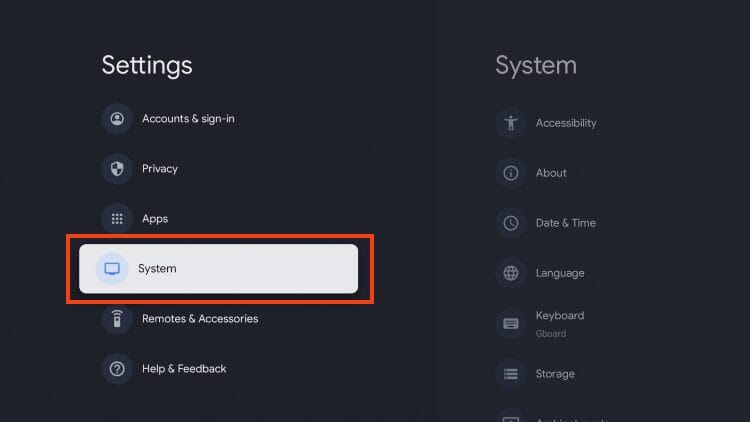
3. Choose About.
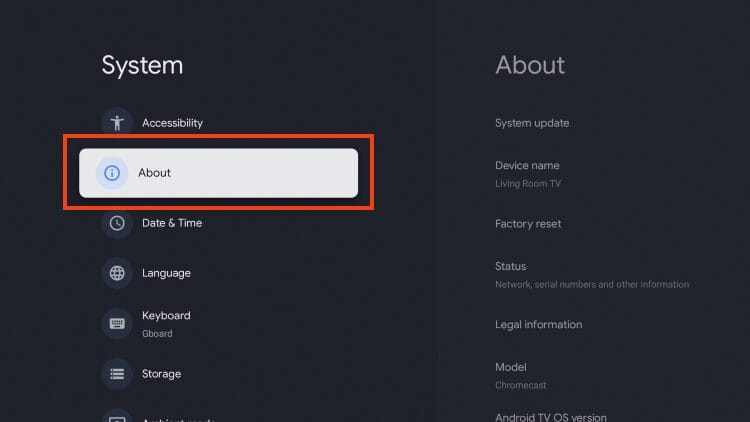
4. Click System update.
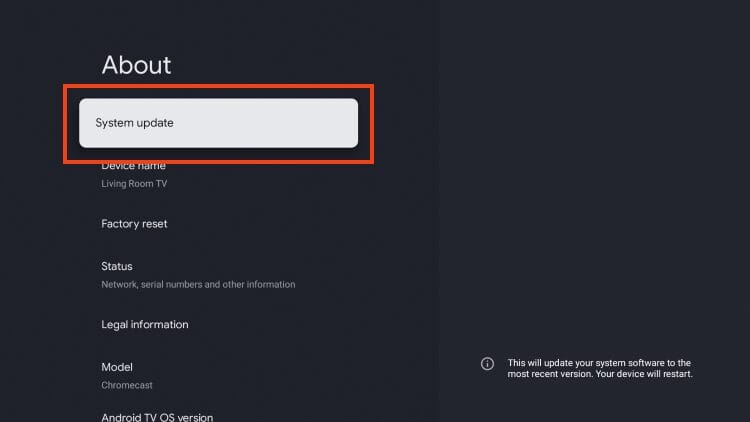
5. Click Check for update.
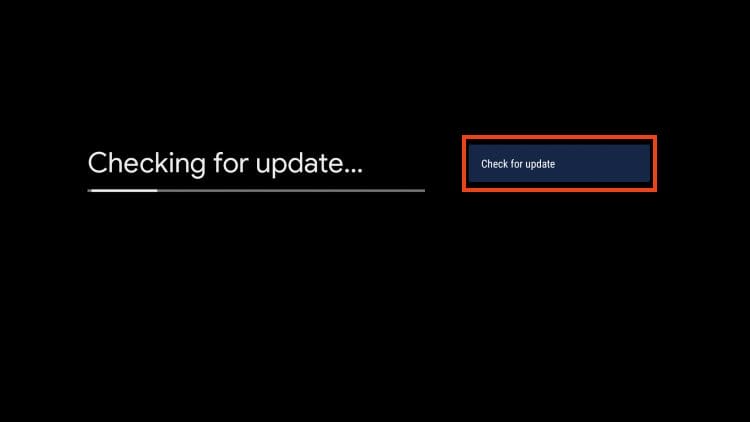
6. Click Download.

7. Wait for the software to update.
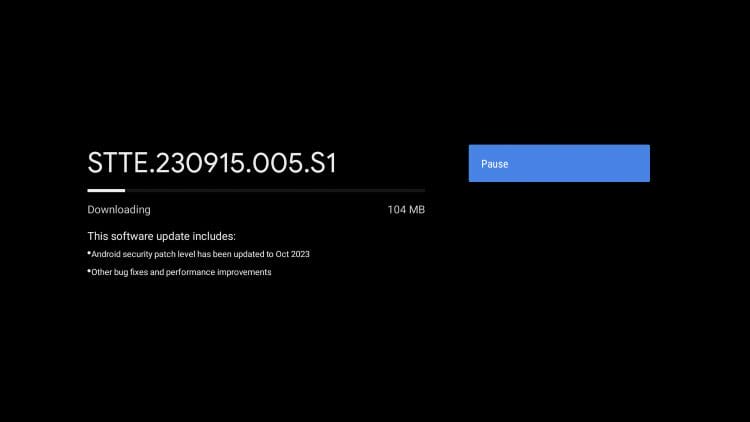
8. Click Restart now.

9. Your device will begin installing the latest update.
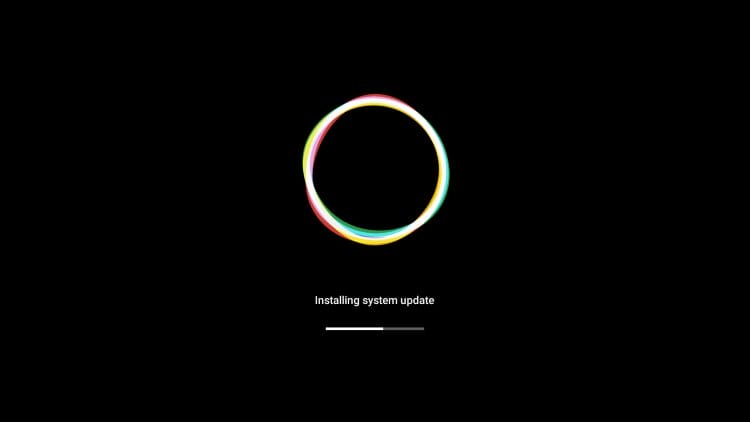
10. Google TV update installation is now complete.

Enjoy!
Use the links below for more useful resource guides for your Google TV device.
- Onn 4K Pro Review & Guides
- Onn 4K Plus vs Onn 4k Pro
- Best VPN for Google TV
- How to Jailbreak onn. Google TV Box
Be sure to stay up-to-date with the latest streaming news, reviews, tips, and more by following the TROYPOINT Advisor with updates weekly.
This Advisor provides all the best cord-cutting tips to get the most out of your favorite streaming devices and more.
Click the link below to join the other 800,000 Advisor subscribers.
The post New Onn Google TV Update (4K Pro, Plus, & More) appeared first on TROYPOINT: Tech Tutorials On Firestick, Kodi, Android TV Box, VPN, IPTV, Streaming, & More.