
This tutorial shows how to install Voltra TV on Firestick, Fire TV, Android TV/Google TV, and other devices.
Voltra TV is an all-in-one streaming app that provides movies, TV series, live channels, and some sports streams with one-click playback.
After testing we discovered that no integrations are available for premium debrid services or Trakt. This may be good news for some, but free streaming sources are usually unreliable, buffer, and go offline without notice.
Since Voltra TV is not available in official app stores, it must be side-loaded on Android-powered devices like the Amazon Firestick, Fire TV, and Android TV/Google TV devices.
How to Install Voltra TV on Firestick & Android TV
In this guide, we are installing the Voltra TV app on an Onn 4K Pro, but these instructions also work on Firestick/Fire TV as well as other Android TV/Google TV devices.
Note: This app does NOT work on the Fire TV Stick Select model. This device does not run on Android OS and instead uses “Vega OS” which is Amazon’s in house platform.
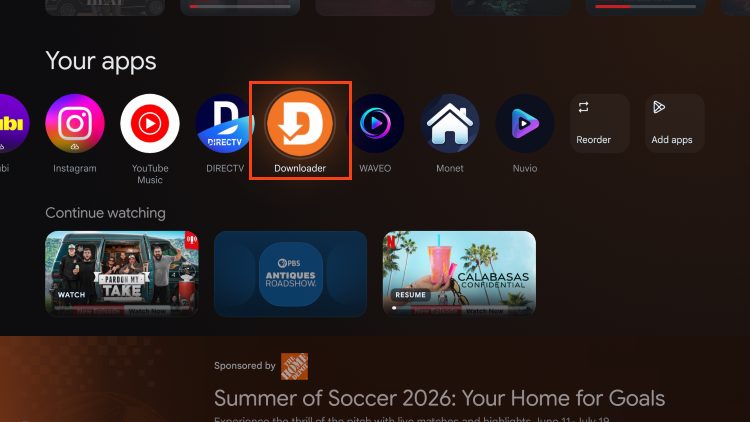
1. You must first install the Downloader app on your device. If you haven’t done this, refer to our Downloader Tutorial. Launch Downloader.
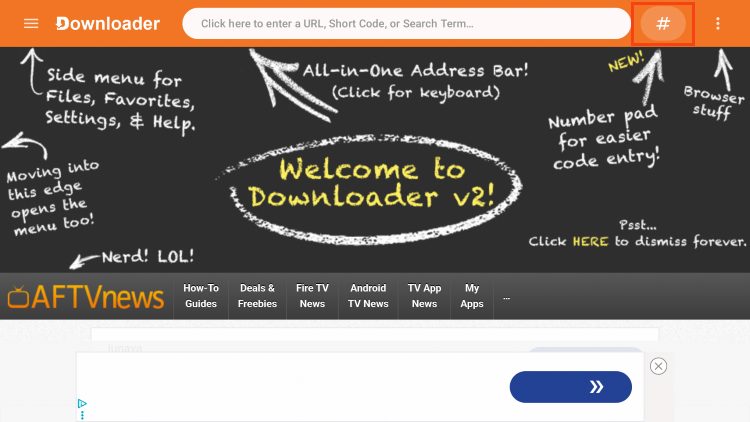
2. Click the search bar or Hashtag icon at the top of the screen.
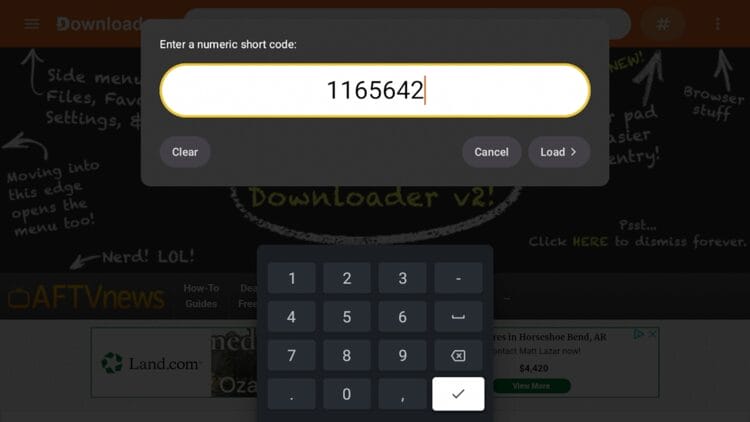
3. Type the following Code – 1165642 and click Next.
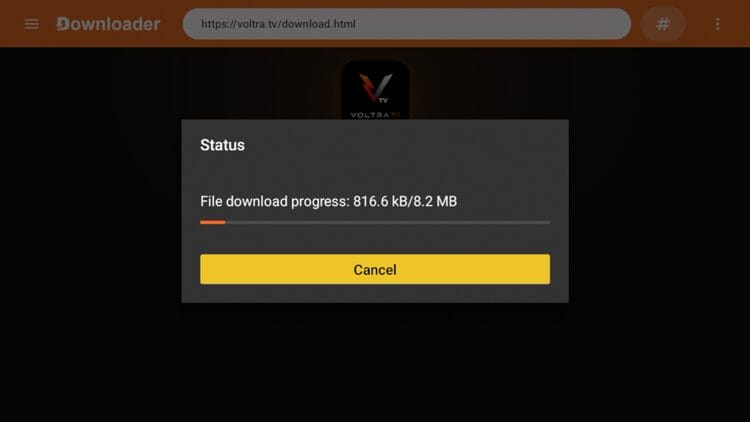
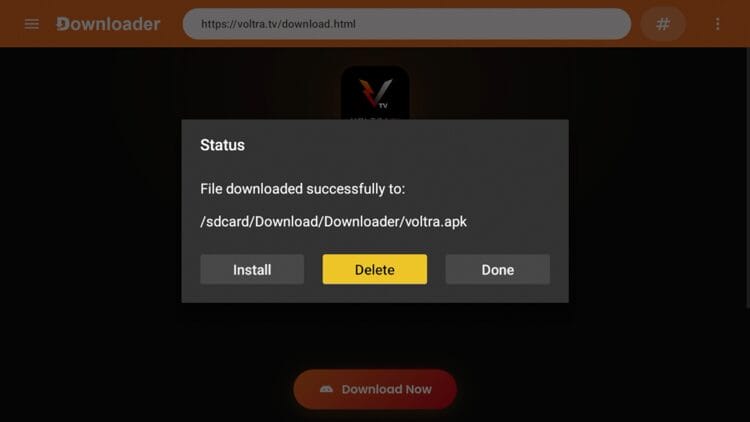
4. Wait a few seconds for the APK file to install.
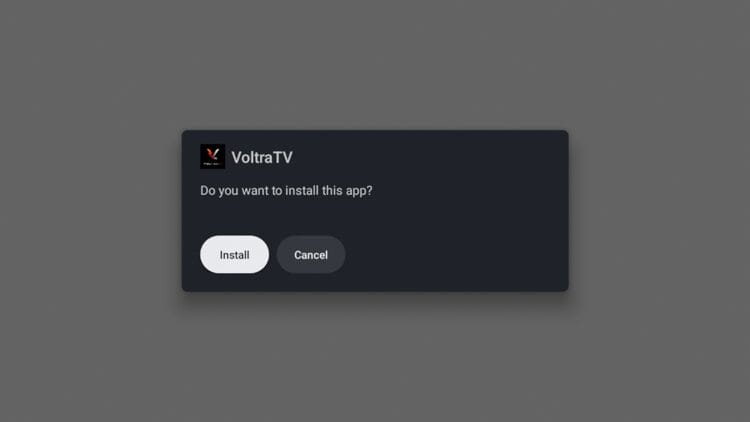
5. Click Install.
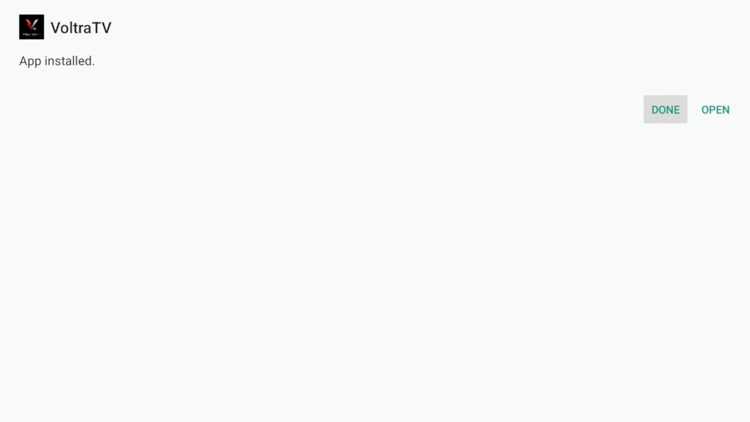
6. Click Done.
7. Return to Downloader and click Delete.
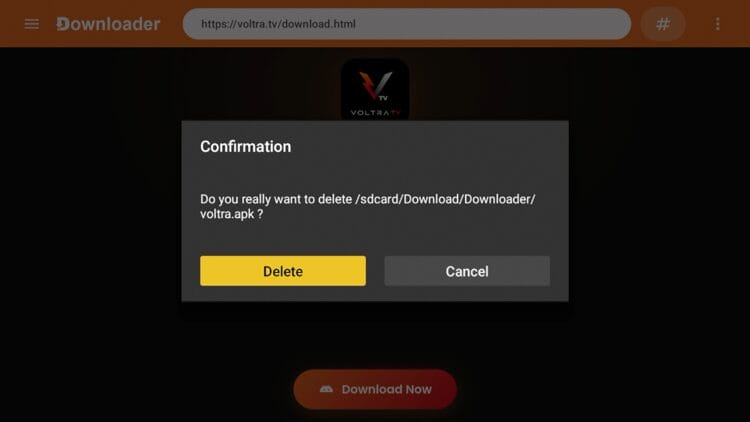
8. Click Delete again.
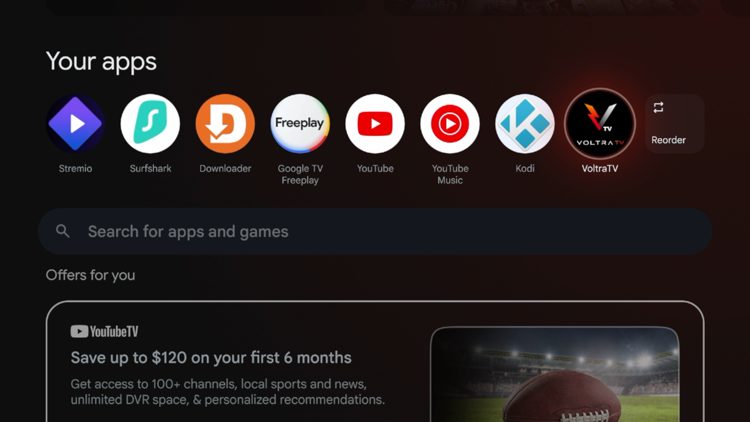
9. Now launch the Voltra TV application.
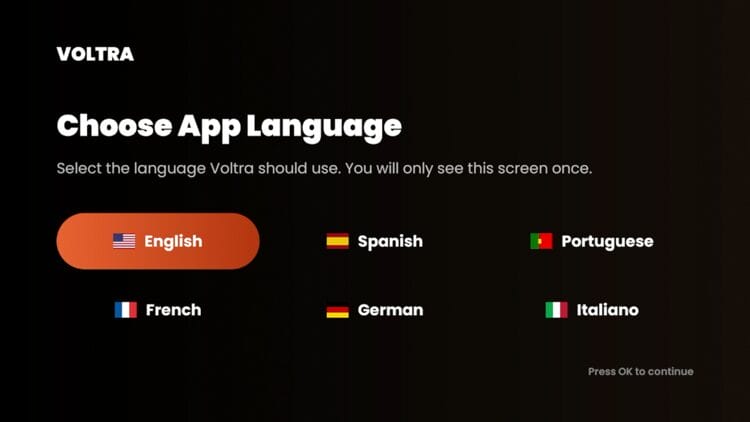
10. When the app launches you will be prompted to choose your language.
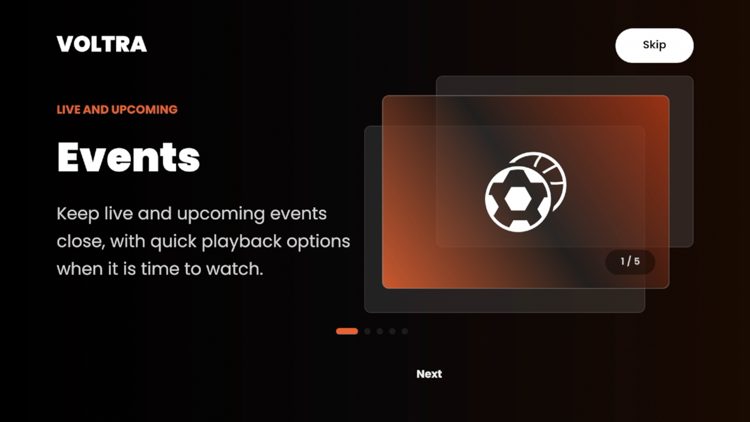
11. Next you will go through some intro screens. Just click Skip.
12. Click Got it when this Telegram message appears.
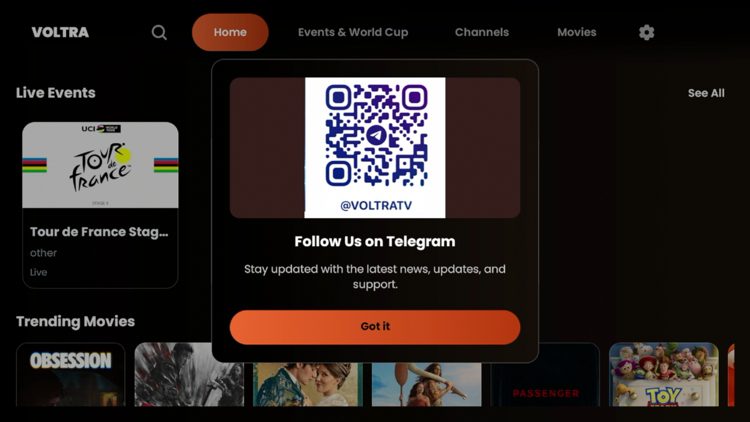
13. You have successfully installed Voltra TV on your device.
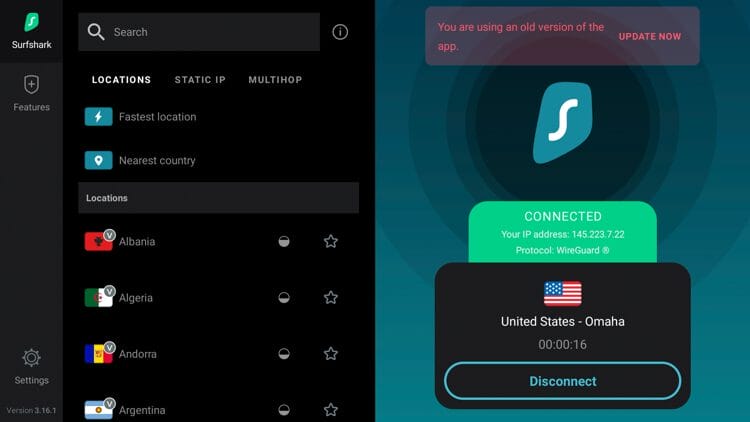
14. The final step before using Voltra TV is to protect yourself with a VPN since this is an unverified streaming app. See our VPN on Firestick tutorial for more details.
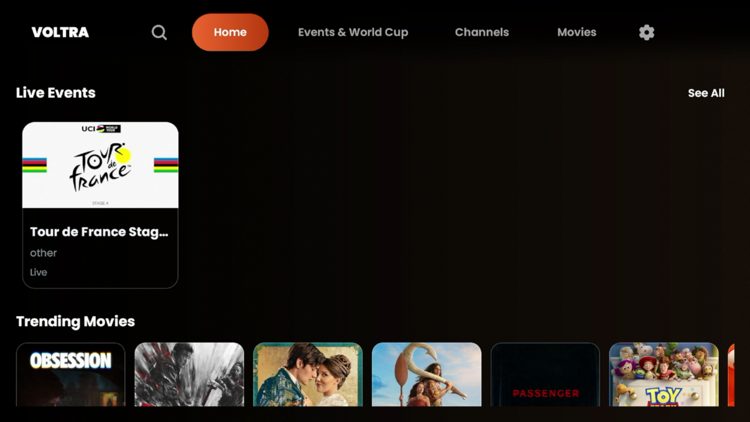
Voltra TV Details & Categories
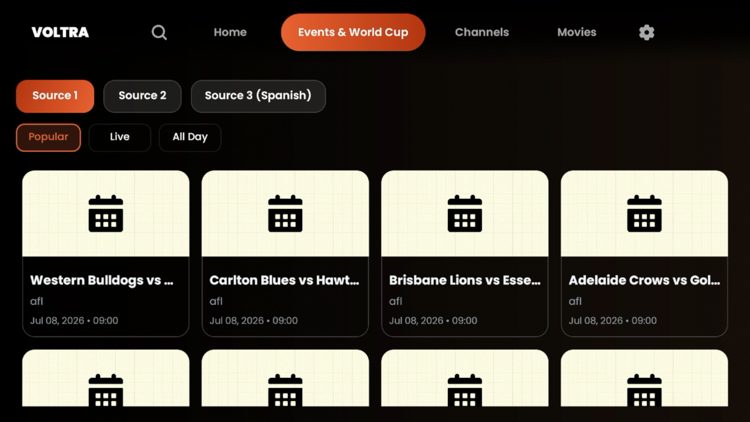
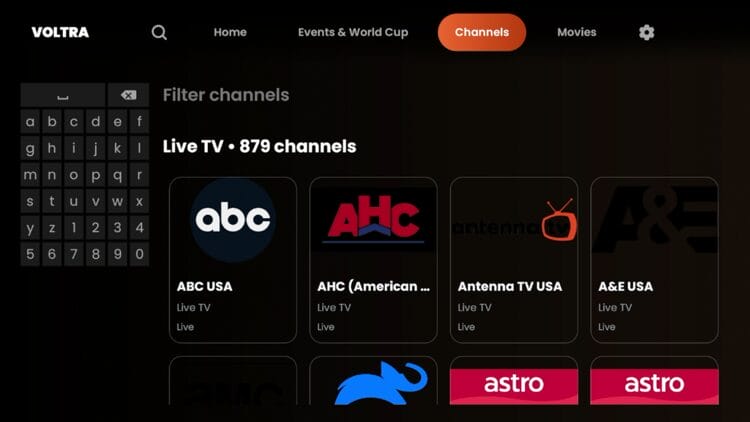
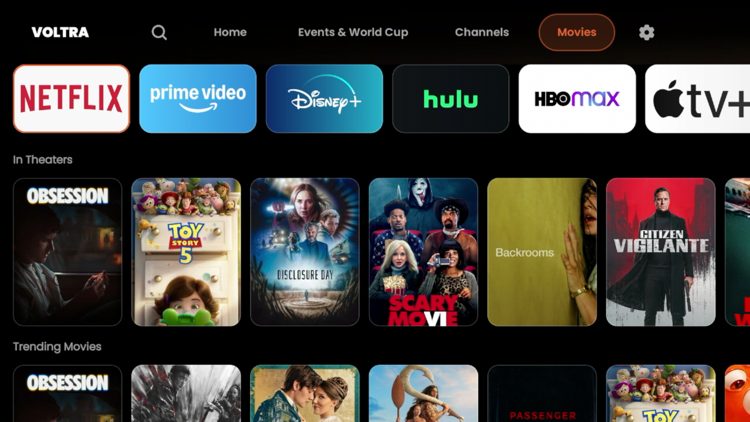
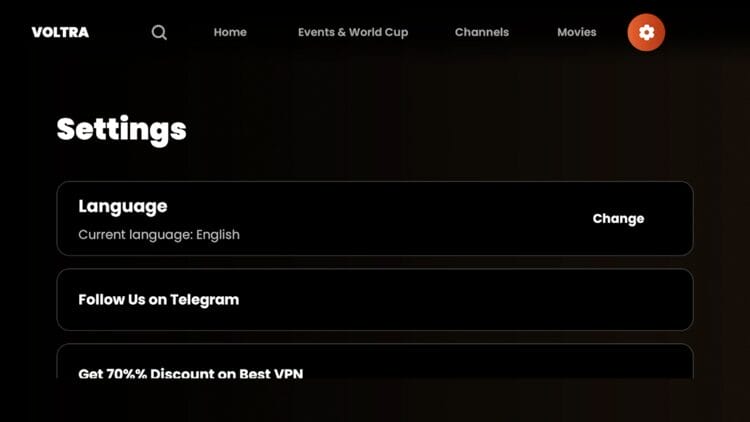
Voltra TV presents a user-friendly interface with several categories. This includes Events & World Cup, Channels, Movies, and Settings.
Events & World Cup
Channels
Movies
Settings
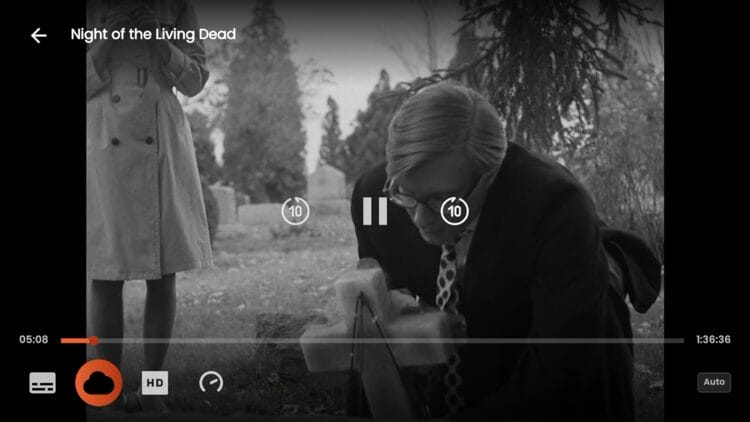
While streaming content on Voltra TV you can change video sources, adjust quality, and also add subtitles in the playback preferences.
Voltra TV Review
After testing this application, here is what I concluded about Voltra TV:
What We Like
- Completely free to install with no signup, no ads, and no premium tier
- Massive content library of on-demand movies and TV series
- Clean VirusTotal scan with no malicious files detected
- Sports coverage spans across a variety of options
- Multiple streaming links gives users a backup when one source drops
- 1080p streaming quality available on supported sources
- Skip button on intro screens lets users go straight to browsing without registration
What We Don’t Like
- Third-party source with no verified licensing for the content
- Not available in official app stores
- No debrid service integration, so users can’t pair Real-Debrid, TorBox, or Premiumize
- No Trakt integration for syncing watch history
- Live streams can go offline without warning, common on any free source
Is Voltra TV Legal?
It’s impossible for TROYPOINT to determine whether these unverified apps like ‘Voltra TV’ hold the proper licensing.
TROYPOINT recommends only accessing media not protected by copyright such as those that fall under Public Domain status.
The end-user is responsible for all content accessed through unverified apps. For verified options, see our list of legal streaming apps.
Is This App Safe to Install?
It is extremely important to check these “unofficial” applications for malware/viruses before using them and the best way to do this is with VirusTotal. Below is a screenshot of scan results from the official APK file.
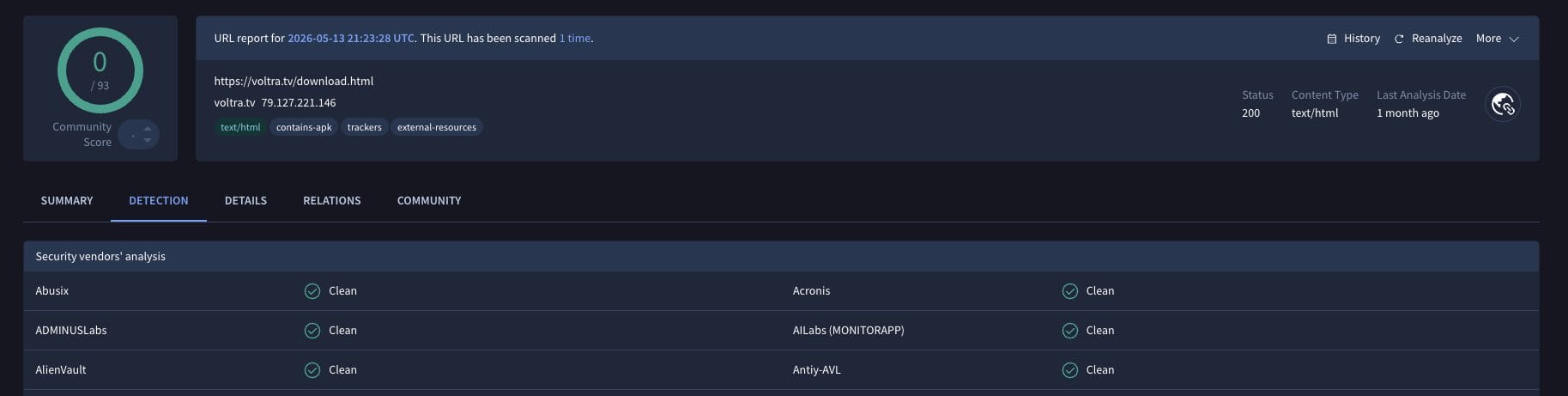
While VirusTotal did not flag any malicious files within the Voltra TV app, we should still protect ourselves with a VPN when streaming content from unverified streaming platforms like this one. Proceed with caution and understand the security risks if you decide to use this third-party app.
Final Thoughts from Troy
Voltra TV is a decent free streaming app that offers a clean interface, multi-server switching, solid categories, one-click playback, and other benefits. Still, the missing debrid support and Trakt sync limits its appeal for viewers who already rely on those tools.
If you’re looking for a free streaming app to run alongside your main setup, Voltra TV may be worth a look. If your workflow needs on-demand movies and TV shows as the priority, stick with an app like Stremio or Nuvio.
Have you tried installing Voltra TV? Let us know what you think in the comment section!
The post How to Install Voltra TV on Firestick & Android TV (All-In-One) appeared first on TROYPOINT: Tech Tutorials On Firestick, Kodi, Android TV Box, VPN, IPTV, Streaming, & More.